
 EN
ENThe Hayde Blog
Guides, tips and insights on digital menus, QR & NFC ordering, restaurant loyalty and growing your hospitality business.
Practical guides for restaurant, café and bar owners: how to set up a QR or NFC digital menu, keep it up to date, and turn first-time guests into regulars with a rewards program. Every post comes from running Hayde with real venues: how long setup really takes, what guests actually scan, and what a digital stamp card in Apple and Google Wallet changes at the counter for repeat customers.
What you will find here: step-by-step guides to launching a digital stamp card and a QR or NFC menu, how to pick a reward customers actually reach, how many stamps to ask for, and how to pitch the card at the counter without slowing the line. There are also notes on which numbers to watch once the card is live, such as sign-ups, repeat visits and redeemed rewards. The posts are written for owners who work the counter themselves, not for marketing teams, so each one ends with something you can try the same week.


Where to start
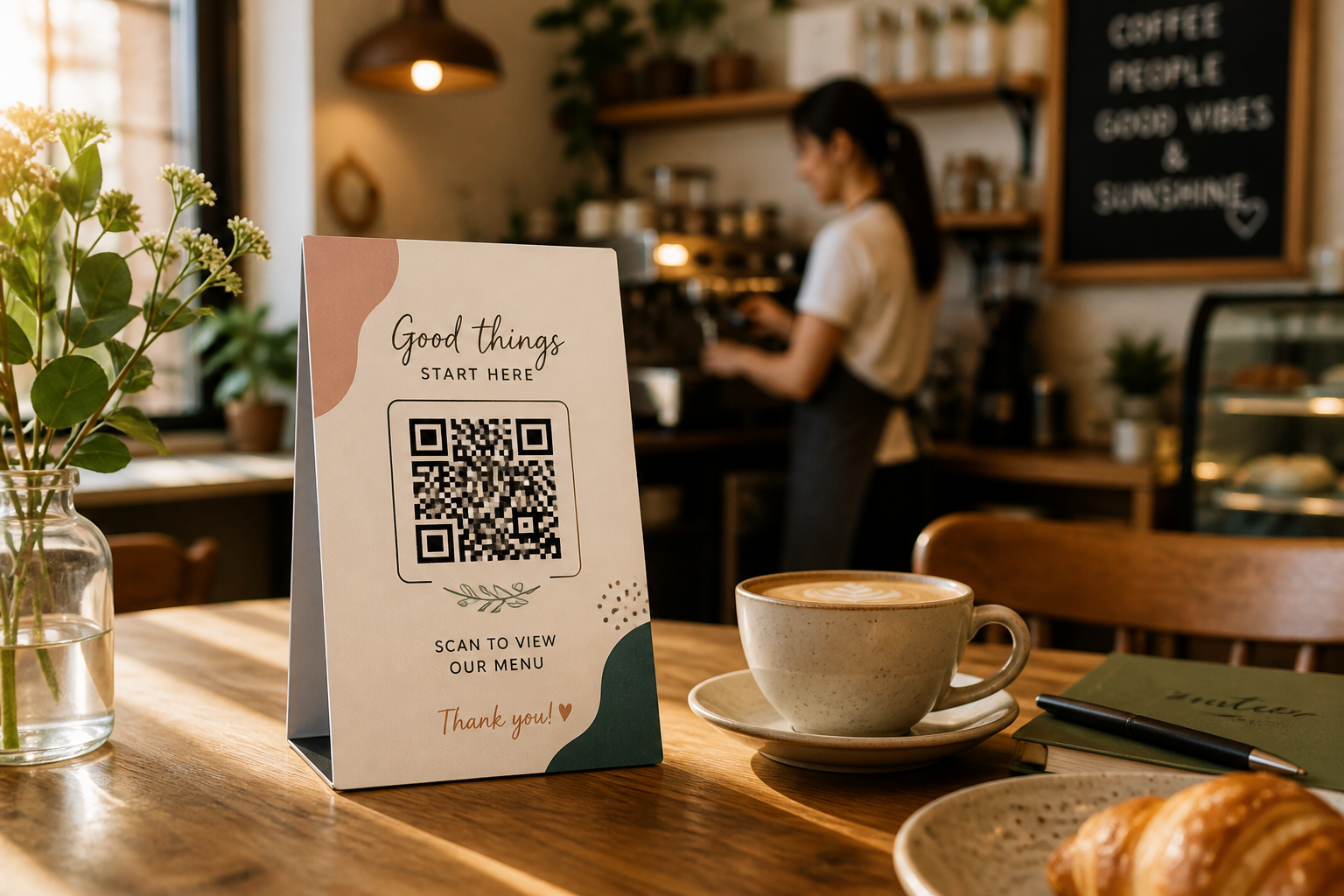
New to digital menus? Start with the basics of a QR menu: what guests see when they scan, how you change a price without reprinting anything, and how an NFC tag on the table opens the same menu with a tap. If your menu is already online, the next step most venues take is a loyalty card. A stamp card saved in Apple Wallet or Google Wallet reminds guests to come back, with no app to install and no paper card to lose. The guides on this page are built around those two jobs, and each one links to the page that covers its topic in more depth. When you are ready to try it in your own venue, the pricing page explains what the 14-day free trial includes and what happens when it ends.