
 EN
ENDigital Menu Setup Time for a Small Restaurant
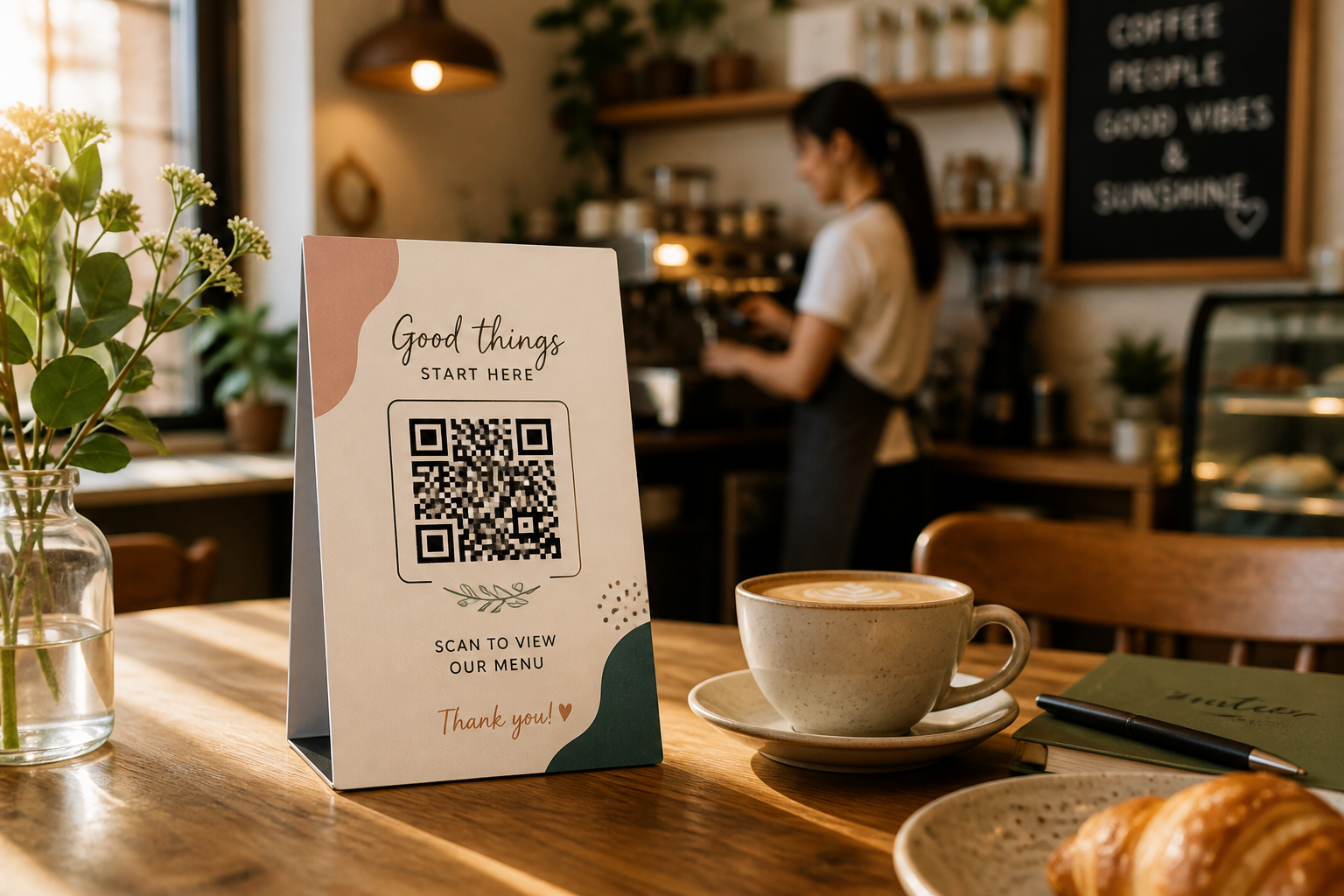
If you’ve ever wondered about digital menu setup time small restaurant operators really face, you’re not alone. That question nagged at me too—can you actually launch a QR code digital menu for a tiny café or bistro in ‘just minutes’ like marketing copy claims? Realistically, what does the digital menu setup time look like for a small restaurant? As someone who’s tested these tools personally in small, real-world venues, here’s the lowdown—without the fluff, but with genuine examples and pitfalls to avoid.
I used to be a skeptic. I’d worked in places where "digital innovation" meant a clunky PDF on a website or—worse—a photo of a menu taped to the window. The switch to fully interactive, updatable digital menus promised much smoother operations, but I had questions: Would it take hours (or days) to upload every dish and photo? Would non-tech-savvy staff trip over dashboard options? Most importantly, could a busy, small restaurant—where every minute matters—set up a digital menu system between service shifts?
Here’s what I learned from diving headfirst into multiple platforms like Aftertaste, DineQode, and Enumenu, specifically with small venues in mind.
How long does it really take? Platform claims vs. real-world kitchen timing
Many platforms tout impressive numbers. Aftertaste, for instance, boasts of a "live in 30 minutes or less" setup for first-time users, including uploading photos, entering prices, setting categories, and generating printable QR codes. DineQode’s dashboard promises a similarly fast onboarding, even with advanced features like meal-part scheduling, dietary flags, and brand customizations. Enumenu targets cafés and claims that staff can change prices or items in seconds, letting you handle today’s lunch rush or dinner special on the fly.
But I wanted to see if these claims held up for actual small restaurant workflows. With a bit of prep, even solo operators can:
- Snap photos with a decent phone (5–15 minutes, assuming a small menu)
- Enter descriptions, categories, and prices for ~20 items (about 20–30 minutes if you’re moving fast)
- Generate & print or display a QR code instantly (another 5 minutes)
If you walk in with a clean spreadsheet and food plated for photos, you can realistically get the QR menu live for guest use within 30–45 minutes.
Where digital menu setup time small restaurant operators lose the most time
Here’s what I found can extend setup time:
- Haggling over food photos, or trying to style every plate for social media perfection. Trust me, most diners are just happy to see a real picture.
- Digging up menu details if prep lists aren’t organized.
- Hesitation on deciding menu categories or which items to launch first (apps let you add more later—perfectionism isn’t rewarded here!).
- Slow Wi-Fi or a fiddly old laptop.
But compared to ordering and waiting for printed menus—or scrambling to reprint every time you 86 a dish—this is lightning fast.
The real value: Speed, flexibility, and saved staff energy
The digital menu setup time small restaurant owners should care about isn’t just the initial live launch. It’s also about how quickly you can update or troubleshoot when kitchen realities demand it. For example:
- The chef runs out of short ribs mid-service? Toggle the menu item off in seconds.
- Want to add a weekend brunch special? Snap a photo, upload, publish, and it’s live before the first mimosa hits the bar top.
- Price changes for an ingredient hike? Edit and publish instantly—no more sifting through stacks of old menus or sticky labels!
My favorite example came from a 28-seat café in my neighborhood. They trialed Aftertaste as a standalone menu over a quiet weekday. Staff were able to add, remove, or edit items without calling the owner or a tech person, and even customers with older phones could scan and view the menu. Since changes go live instantly, they never had to apologize for a dish running out or a price difference again.
Making setup even faster: Tips from the trenches
From one hands-on tester to another, here’s how to make digital menu setup time small restaurant even more efficient:
- Prepare your photo files and dish names in advance (a basic spreadsheet saved me tons of time).
- Assign one person (not a group) to enter initial data and make the first publish—too many cooks really do spoil the menu here.
- Use the platform’s basic menu to start. Don’t stress about perfect branding or color themes at first; you can tweak those after launch.
- Print a few QR code tent cards before your next service (most platforms give you a print-ready PDF instantly).
Is setup ever as “instant” as claimed?
I’ll be honest: "Five minutes to digital menu launch" is only possible if you accept generic, photo-less listings or already have every file ready to go. But an hour is realistic for most small venues if you break it into small steps between prepping ingredients or setting tables. That’s game-changing for the pace of restaurant life.
Want to see a live demo? Check our homepage. For side-by-side platform comparisons, see the best digital menu platforms in 2026.
FAQ
Q: What does digital menu setup time small restaurant actually mean? It’s the total time, from signing into your menu platform to publishing a scannable QR code with your updated food and drink list. Expect 30–45 minutes for the first draft, faster for updates after that.
Q: What’s faster—a QR-linked PDF or a live menu platform? A QR-linked PDF may be quicker to make but is far less flexible. Live digital menus update instantly and never need reprinting after changes, saving time every shift and keeping your guests happy.
Q: Is there a learning curve for non-tech-savvy staff? Most modern platforms are made for everyday users. If you can fill out an online form or upload a Facebook photo, you can handle digital menu setup—and empower your team to do it, too.
That’s the real win: less time managing menus, more time delighting guests with a flexible, guest-friendly digital experience.